
Overview
Workfront reporting is a feature within the Workfront platform, which is now part of Adobe's suite of products. Workfront itself is a project management software designed to help teams organize, track, and manage their work. Workfront reporting, as part of this broader tool, allows users to generate and analyze various reports related to their projects, tasks, resources, and overall performance.
My Role: I was the UX designer working with product owners across all lines of business (Chase Home, checking, savings, payments, business banking, etc.) to design and execute reusable components to build out the mobile app. I ideated, sketched, wireframed, designed, and created specs and guidelines for the system to show all the different components and how they would function.
Business Needs
Our vision is to make reporting easy enough that anyone will get full value in 30 days. Current experience, it’s really hard and cumbersome to create a report for an average user.
t's essential for our tool to prioritize usability, customization, performance, and support to ensure a smooth and efficient reporting experience.
User
Adobe Workfront reporting tools cater to a wide range of users across different roles and departments within an organization, enabling them to effectively track, analyze, and optimize their projects and workflows.
Some of roles within a company that might utilize Workfront reporting:
Project Managers
Team Leaders:
Executives and Stakeholders:
Resource Managers
Finance and Accounting Teams
Creative and Marketing Teams:
IT Administrators and System Administrators
User Needs
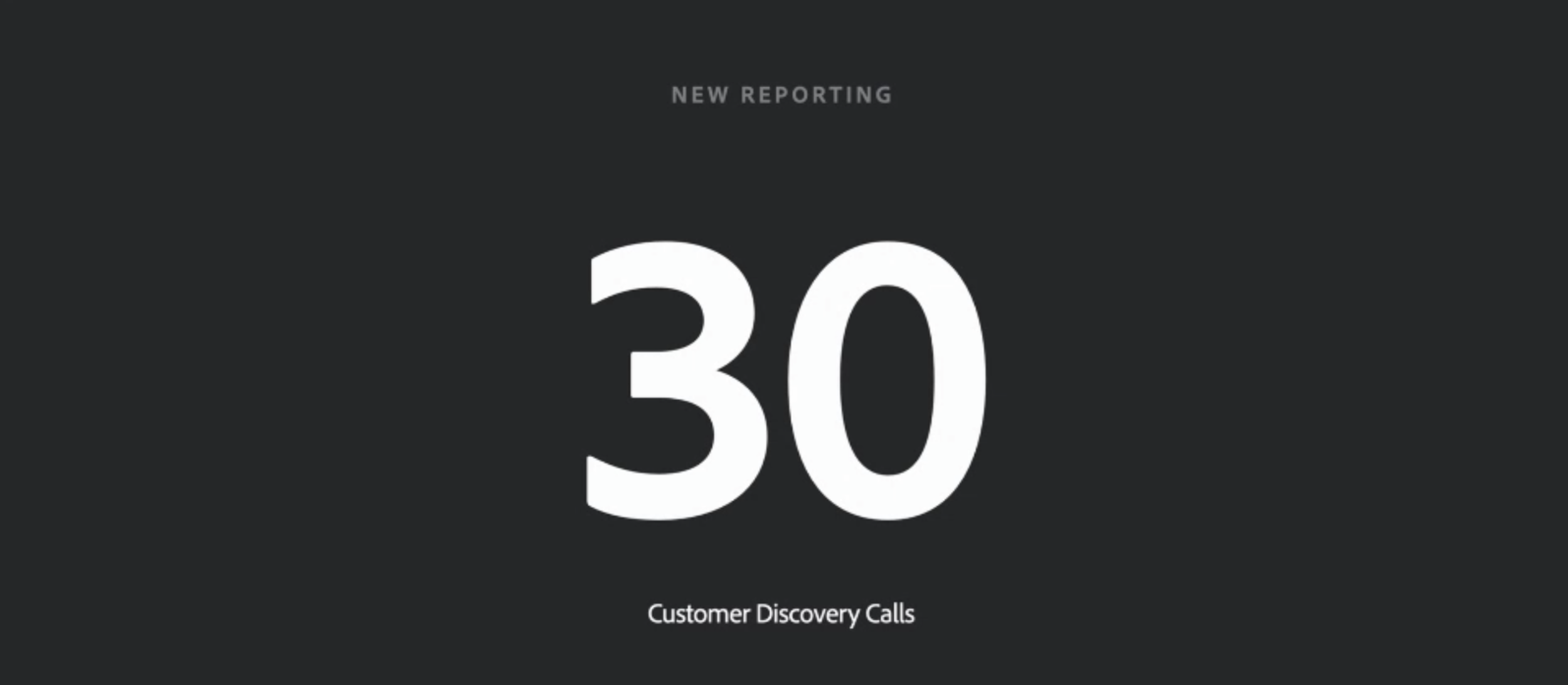
We did 30 discovery calls conducted to gain insights into the customer's needs, pain points, preferences, and challenges.
Problem Statements
We did "How might we" exercise to help us in design thinking and frame challenges and opportunities.
Here are the problem statements:
We really want to make it Simple like how we might design for everyone to use our tool without a text mode like without having to do any SQL Queries, Scripting or Markup Languages.
Without having too many Reports
A platform where they can pull in any data inside of Workfront to get an accurate view of everything in one place and then share within seconds.
Solution: Each classic feature/functionality is mapped into categories (e.g. site, page, flow, page component, etc.) and created task based flows.
Created site pages with optimized design consistency and minimized disjointed customer experience.
I’ve designed a new simple and clean sign-in user interface to enhance usability and accessibility. I removed components that I felt unnecessary and reconstructed the visual hierarchy and layout.
PROCESS
Applied a user-centered design approach in this projects by planning and conducting extensive user research through interviews, surveys, heuristic evaluation, personas, customer journey maps; conceptualized ideas from sketching and brainstorming to site maps, user flows, wireframes; designed brand identities and UI Kits and engaged in an iterative design process by creating low and high fidelity prototypes and conducting usability tests.
Persona
The user interviews helped define the user persona based on common patterns of motivation, personality and demographics observed among potential consumers.
Discovery Team Workshop
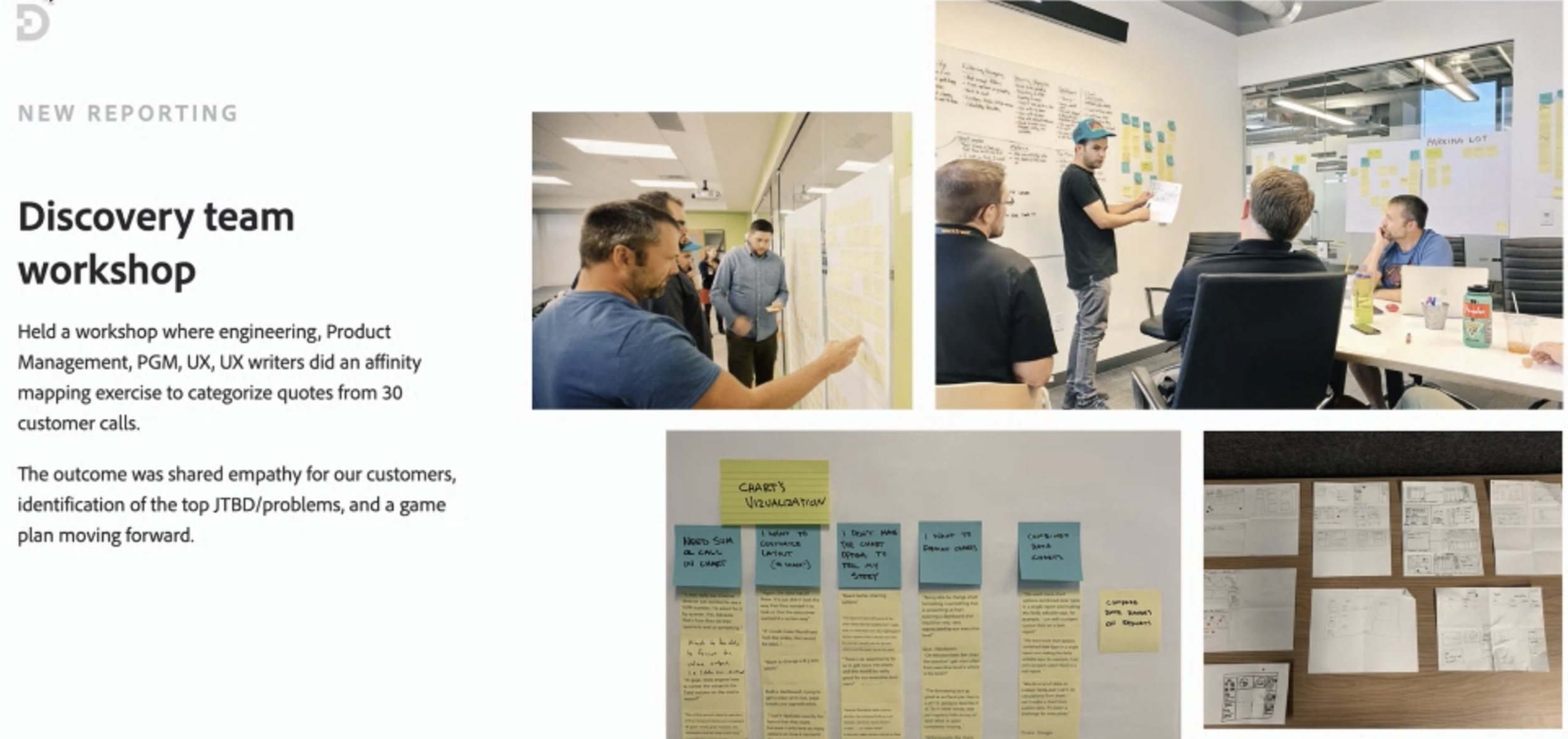
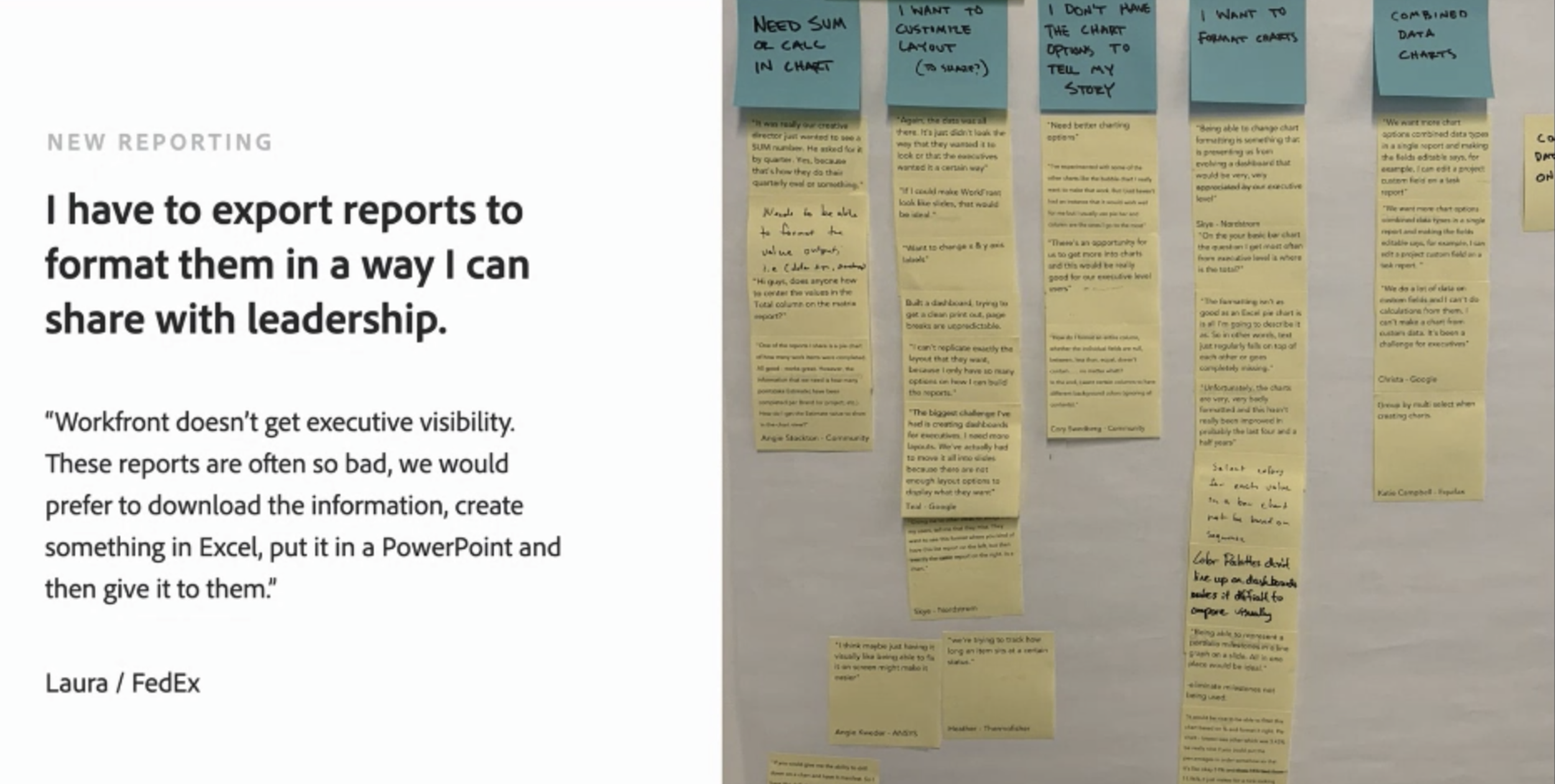
We conducted UX Workshops with Engineering teams responsible for the development, covering aspects from product design to copywriting. Following this, we engaged in an Affinity mapping exercise to categorize all identified issues and formulate problem statements.
User feedback
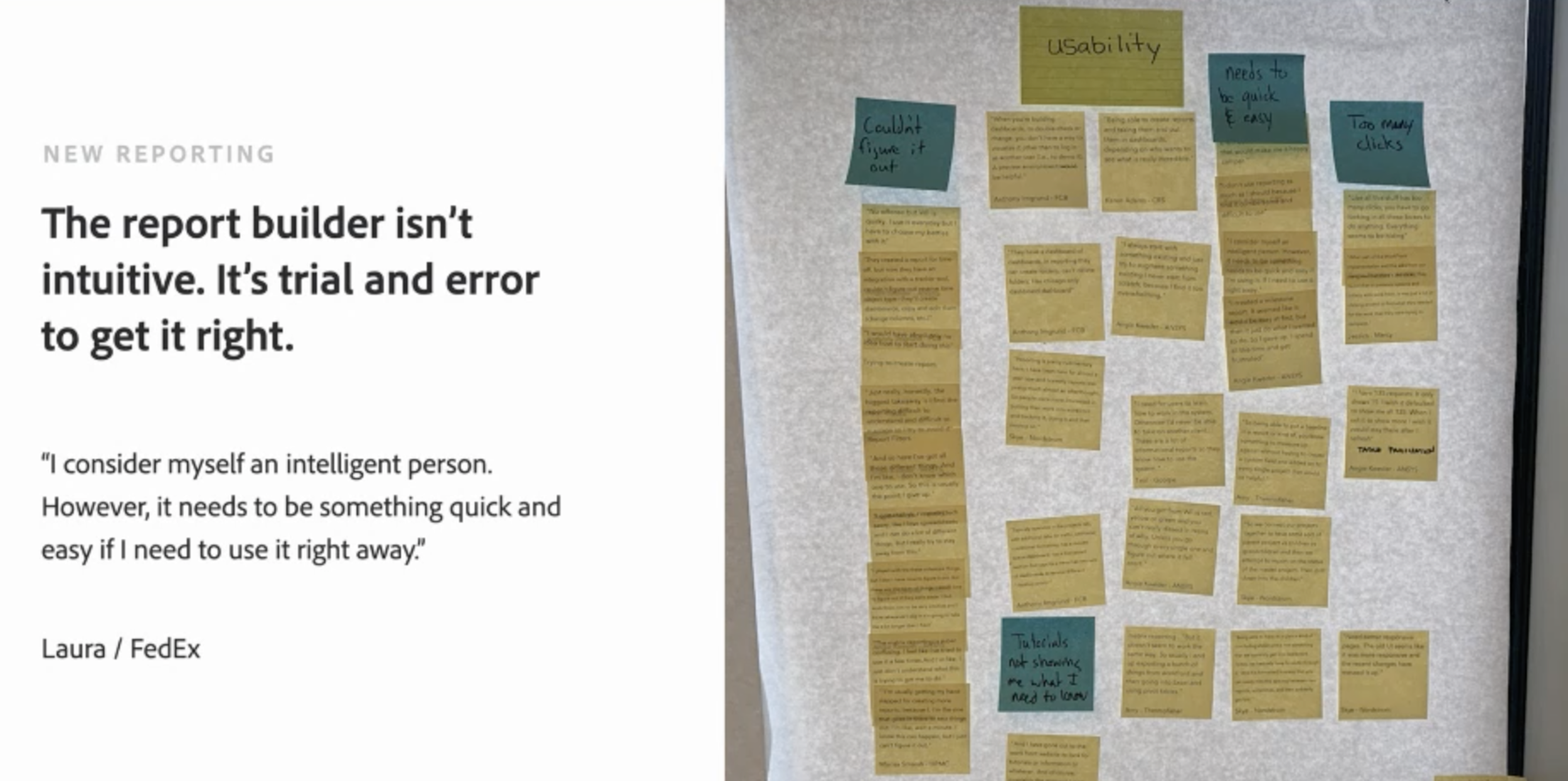
Laura from Fedex
Competitive Research
I downloaded the top financial bank apps in the App Store and learned how they currently answer these problems. I’ve researched Chase competitors and found some delightful time-saving features, and also one app which I thought was well designed and user-centered (Virtual Wallet), but most apps weren’t intuitive, and they didn’t seem to me like they bring the best solutions for their users’ needs.

Information Architecture
Create a user experience that is consistent with the other digital channels. Design scalable information architecture to support future functionality. Develop an application that will require minor impacts to the current state technical infrastructure.
This included the existing app framework along with the newly ideated features embedded in, which led us into laying out the user flow for each of the identified needs, and for seamlessly integrating the features into the existing flow for better usability.

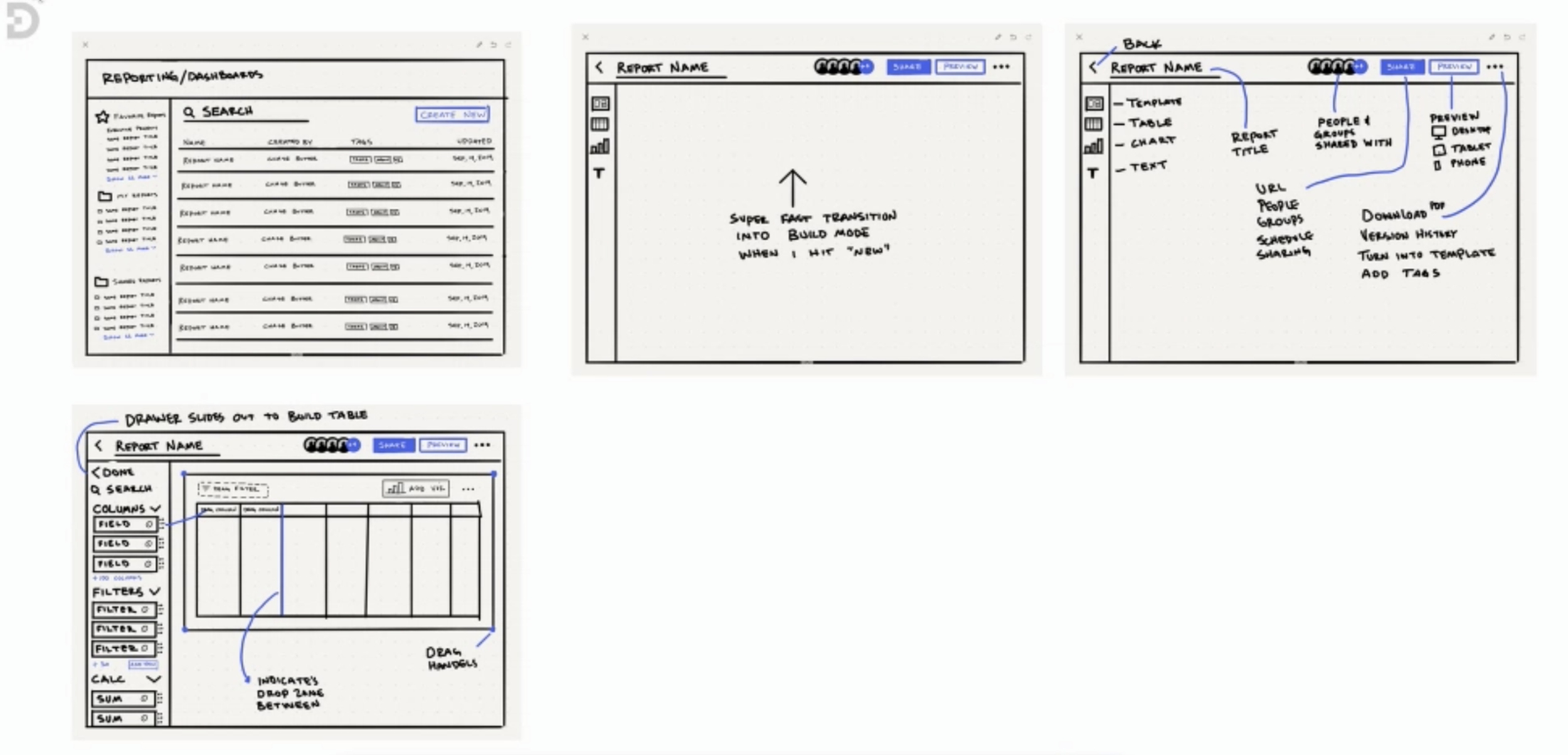
Wireframe
Once the user flows were in place, I started fleshing out wireframes for the key user flows. At every stage of iteration, I had to ensure the design stayed within a consistent theme.
Final Mockups
After the fundamental stage of wire-framing was complete, I started working on the user interface design. Since Chase has an existing product, I focused on designing the dashboard section in cohesion to the existing interface, while also making a few important changes in the information architecture to improve the overall user-experience
Style Guide
Usability Testing
A usability testing was conducted to determine the success of the Chase app with the newly added feature. The test was designed to identify any design inconsistencies, problem areas in accessibility, navigation and usability, and within the interface and content. A usability test plan was created to facilitate the same. Participants were selected and observed in a contextual inquiry setting, with any issues and sources of hindrance noted. A post-testing questionnaire helped gather personal opinions about the user-experience. The overall test findings help identify key areas for improvement in usability and interaction.
Final Take aways
This project was a great learning experience about the overall process. I learned the different ways of approaching a problem, and the importance of grounding my solutions with concrete reasoning before implementation. As a way forward, the updated prototype can be tested with the target segment to find possible improvements in usability and interaction.